Designing delightful experiences with code.
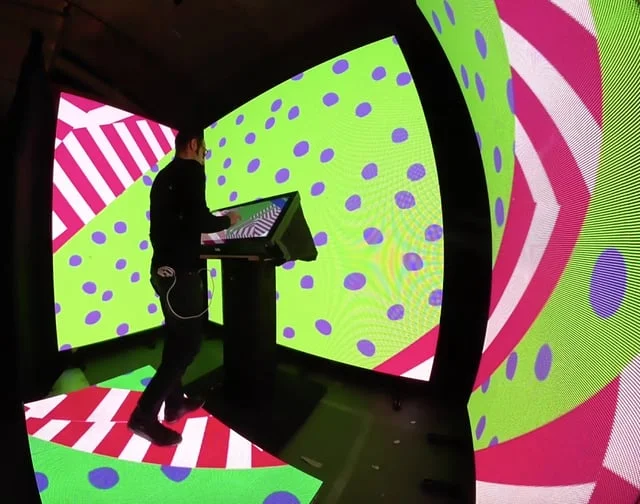
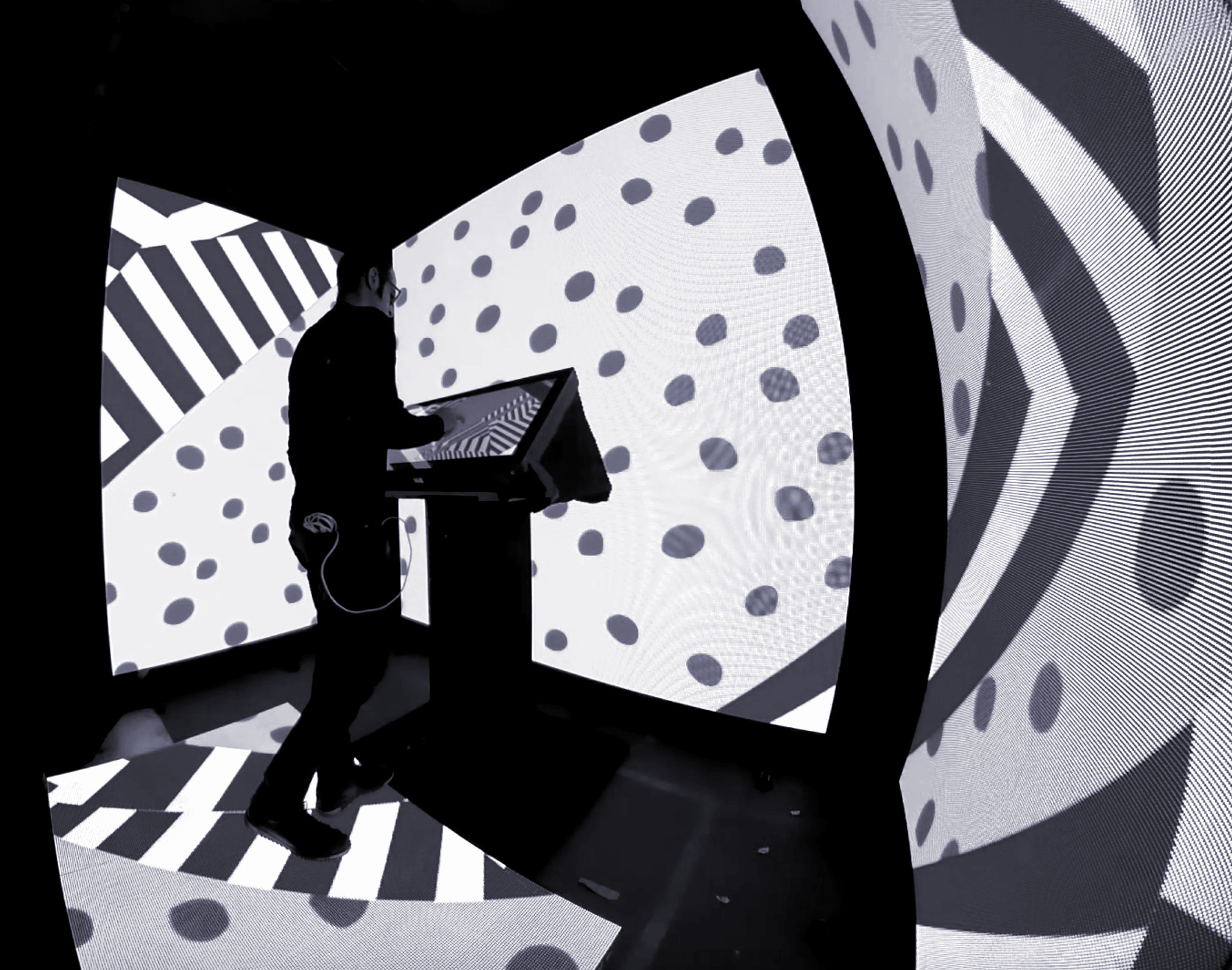
At WorldStage, I developed an immersive environment with a touch screen, reactive LED floor and LED walls, allowing visitor to engage with the system, playing it like an instrument. Make with openFrameworks. Concept design by Ian Heisters.
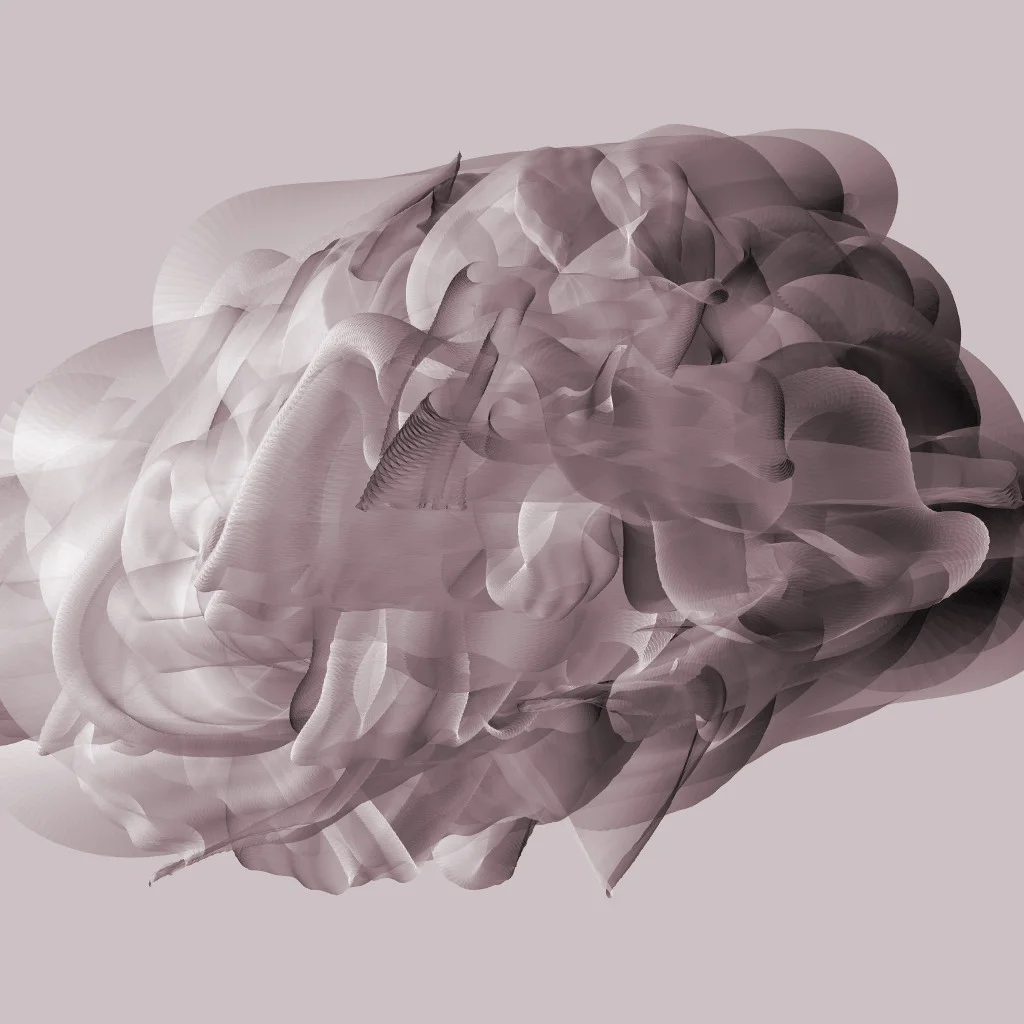
I wrote an app that takes in an audio recording and uses it to flick a virtual whip around a canvas, leaving an ethereal trail. Change a few parameters, it looks totally different. These samples were created based on a recording of me telling my wife that I love her. Made with openFrameworks.
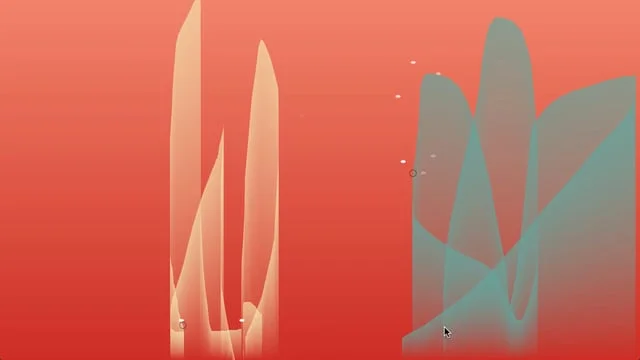
Inspired by headlights coming through my bedroom window. Made with openFrameworks.
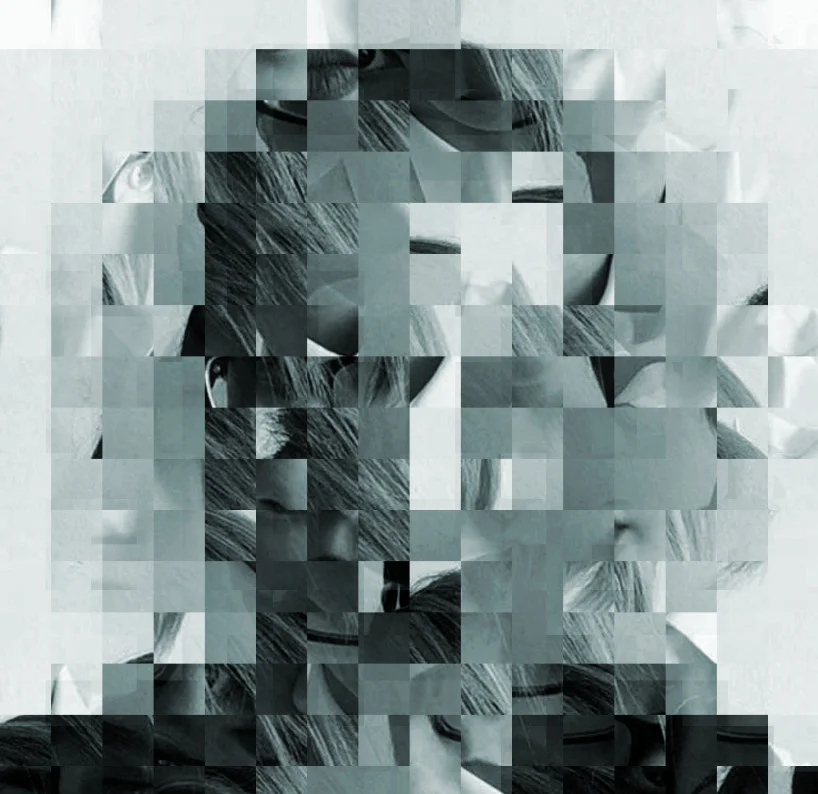
A quick app to slice one image into smaller and smaller pieces and reassemble them into another image. Make with openFrameworks.
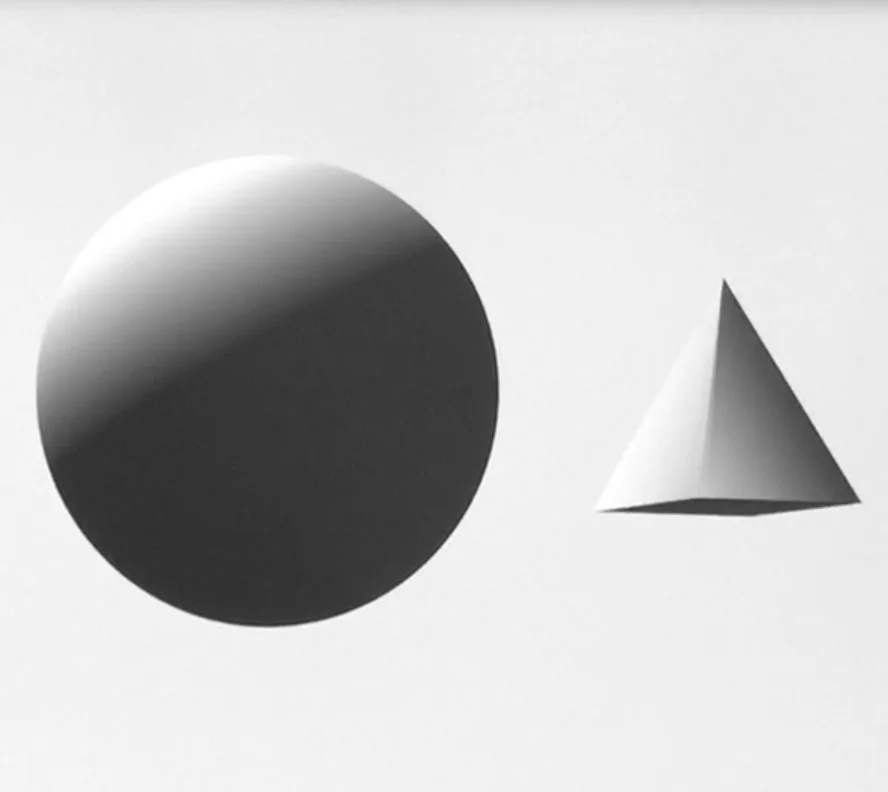
In which we track a visitor's head and eyes, warping with video to create the illusion of a 3D space behind the display. Made with openFrameworks.
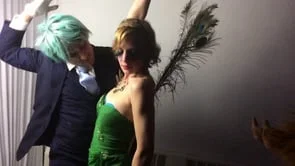
At the Surrealist Ball NYC in 2013, I created an system to take high speed iPhone videos, loop them smoothly, and ingest into a custom app that I could control with my monome, playing the videos along with the music at the event. Made with openFrameworks.
In which we take tiny slices of one photo and rearrange them to form another.
Find a cute partner, step right up and give ‘em a kiss.
The Kissing Booth is a Pretty Extreme interactive sound installation designed for the Figment Festival 2013 in New York City.
Made with openFrameworks and Ableton Live
Draw on the screen, play the piano. Sort of.